
Everything it does.
The complete list, and an honest one: everything on this page is in the product today. Nothing here is planned, in beta, or coming soon.
Following
Sources
- Finds the feed for you. Paste a site’s address and Currentfold locates its feed — RSS, Atom, or JSON Feed — even when the site doesn’t advertise one.
- YouTube channels. Paste a channel’s address and its videos arrive like any other source.
- Podcasts. Episodes play right in the reader and remember where you paused, on every device you’re signed in on.
- Full articles from truncated feeds. When a feed only carries the first paragraph, Currentfold fetches the full article to read in place.
- One story, once. The same story arriving from several sources collapses into one row, and reading it clears every copy.
- Folders that behave. Drag to organize, collapse what you’re not reading, and the arrangement follows your account.
- OPML, both directions. Import on a new account’s first screen; export whenever you want your subscriptions back.
- Per-source manners. A slow blog can open oldest-first and show everything; a firehose can stay unread-only.
- Feed health, visibly. When each source last delivered, what failed, and which have gone quiet — and a source can be paused instead of unsubscribed.
Reading
The reading itself
- Nothing reads itself. Articles become read when you open them or say so — never because you scrolled past. Older ones leave the unread queue on a schedule you set, per source if you like.
- Your typography. Text size, serif or sans, column width — adjusted mid-article, remembered per device.
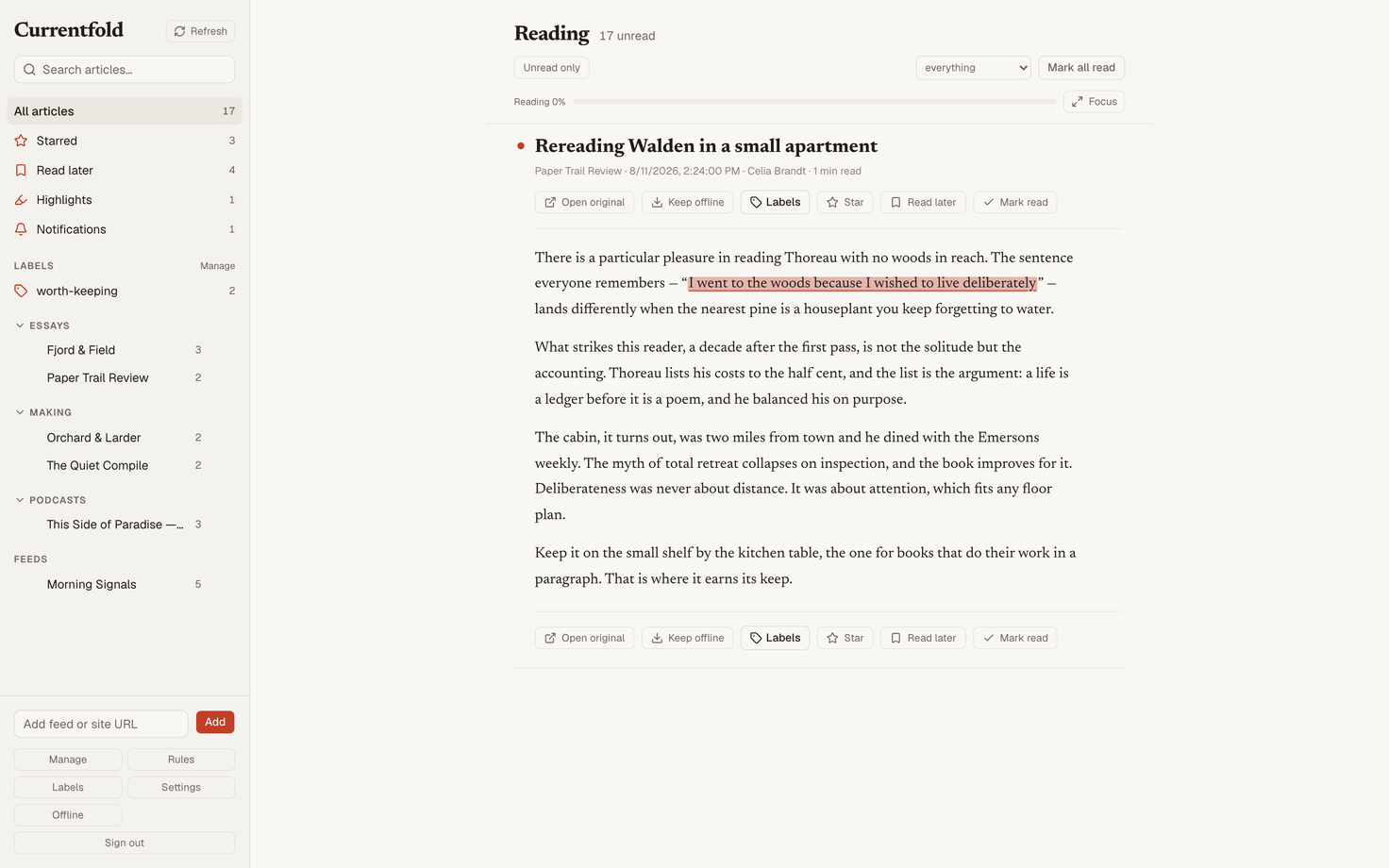
- Focus mode. One keystroke clears everything but the article, on a desktop or a phone.
- Your place survives. A long read resumes at the paragraph you left — including on another device.
- Reading time before you commit. A quiet “5 min read” on rows and articles.
- Code, images, embeds. Syntax-highlighted code blocks, click-to-zoom images, and video embeds that load only when you ask.
- Comfortable or compact. Two list densities, and dark mode that follows the system or your override.
- History without a reset. Reach the end of the unread queue and continue straight into what you’ve already read.
Rules
Automation & notifications
- Rules without caps. Star, label, mute, or mark read by keyword, author, or source. Make as many as you need.
- Test before trusting. Every rule shows what it would have matched before you save it.
- An inbox for the important. A rule can collect its matches into a durable inbox with its own unread count.
- Push, where you ask. Notifications go to exactly the devices you opted in — and no others.
- Digests on your clock. A daily or weekly email of what your rules caught, in your timezone, with one-click unsubscribe.
Saving
Read later & keeping
- Save any link. The iPhone share sheet, a bookmarklet for the desktop browser, or a paste field — three doors into one Read later queue.
- Readable copies. Saved pages arrive cleaned up and comfortable to read; the original stays one tap away.
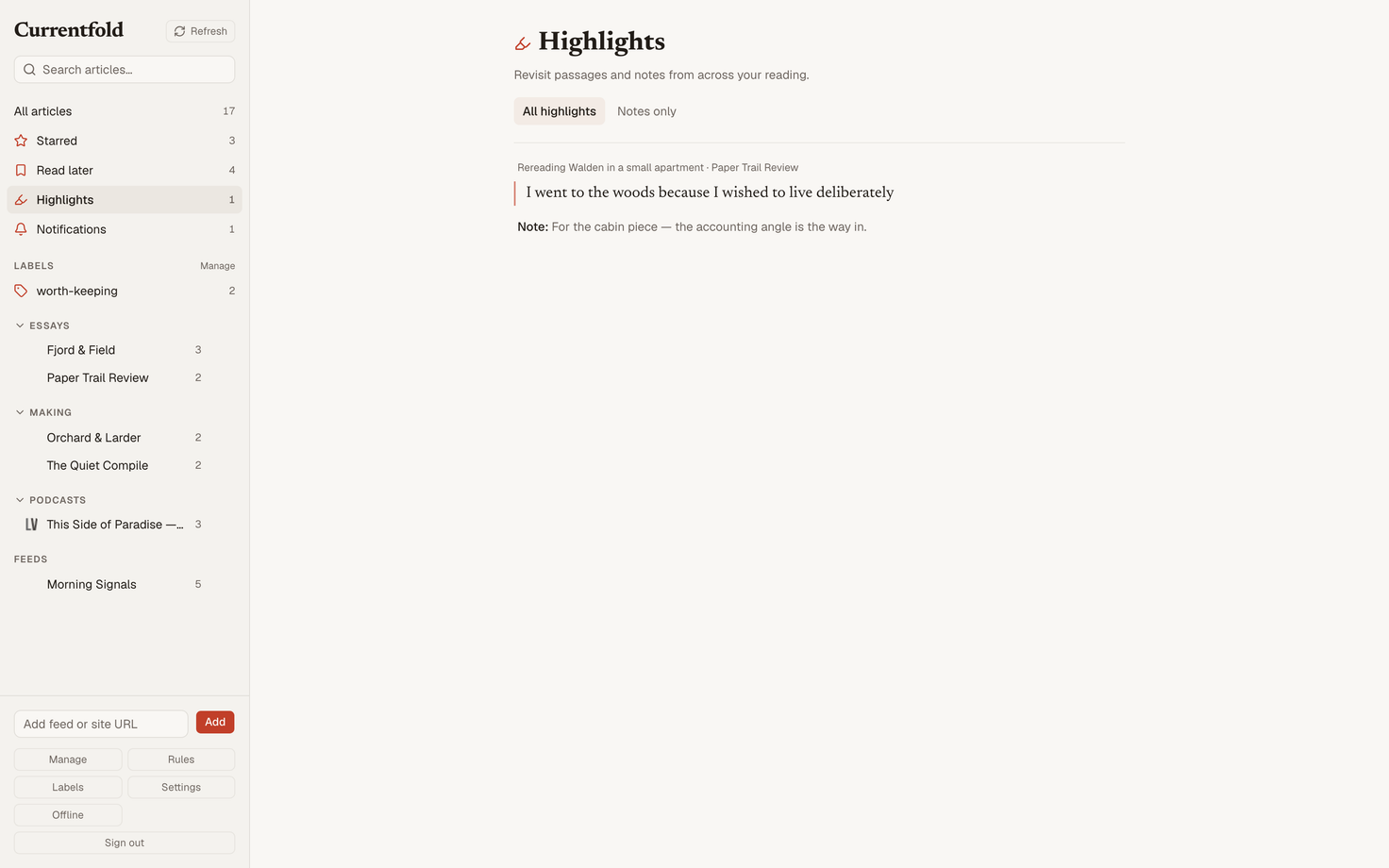
- Highlights with notes. Select a passage, keep it, annotate it — and a library that reopens each one at the exact sentence.
- Stars and labels. Quick keeps and named collections, across feed articles and saved pages alike.
- Search that means it. Full text — every article your sources have delivered and every page you saved, in whatever language they were written.
Keyboard
Speed
-
The canon.
j/k,space,m,s, thegchords,/and?— the Google Reader shortcuts, unchanged. -
⌘Keverywhere. A palette that jumps to any source, view, or page from any page. -
No mouse required. Keep pressing
jand the next page of articles loads itself.
Apps
Where it runs
- An iPhone app. The full reader, quick and at home on the platform. Not on the App Store yet — when it is, the link will be on the front page.
- Installs as an app. The web reader installs on desktop and phone, straight from the browser.
- Works offline. Read later comes with you, and what you do offline replays when you’re back.
- Bring your own client. Currentfold speaks the sync protocol reader apps have shared for years — one app password per app, revocable any time.
Your data
Yours, demonstrably
- One-file backup. Everything your account holds downloads as a single file, and the same page restores it.
- Leave cleanly. Subscriptions export as OPML, and the account deletes from its own settings — no email to anyone, no waiting.
- Sessions you can see. Every signed-in browser and device is listed in settings, and any of them can be signed out from there.
- No analytics, no trackers, no advertising. Here and in the reader. The privacy policy says exactly what is stored and who else is involved. It is short.
Start reading.
Create an account, bring your subscriptions or start with a single site, and all of the above is yours.